Studio Invoice Template — PDF, Word & Excel
Bill for studio sessions, production time and delivered files.
Your current input stays until you confirm a replacement.
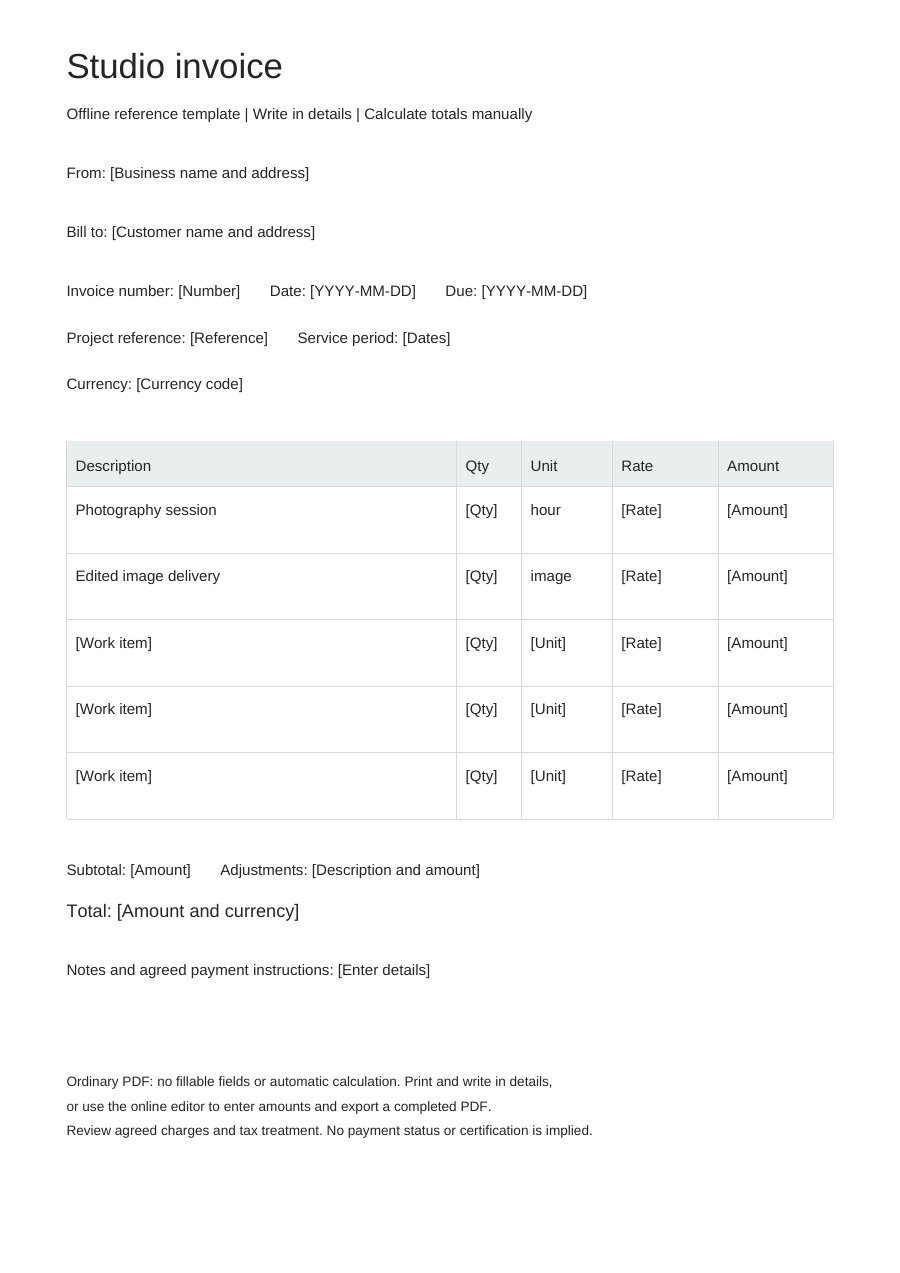
Download an offline template
Blank business details, editable work items and no example prices. One offline layout, separate from the online Simple, Modern and Branded styles.
PDF is for printing, without fillable fields. Word tables are editable; neither format calculates totals. Excel: eight lines, CAD only. Quantities: 0–10,000, up to three decimals. Rates: 0–10,000, up to two decimals. Each line rounds half up to cents. No tax, discounts, shipping, deposits or payment balance calculations. Review inputs and totals.
Choose “Use this template” to edit online and export a completed PDF. Offline downloads leave your browser draft untouched.
A practical example
Fictional example. Replace the details and rates before use. CAD rates are illustrations, not price recommendations.
| Description | Quantity | Unit | Rate (CAD) |
|---|---|---|---|
| Photography session — fictional product | 3 | hour | 120 |
| Edited image delivery | 10 | image | 18 |
Illustrated subtotal: CAD 540.00. Before tax, discounts or shipping; not a deposit or payment balance.
What to fill in
- Describe the session and delivered files without uploading client assets.
- Use notes for agreed usage and delivery terms; the invoice does not grant rights automatically.
- Project / PO reference
- DEMO-STUDIO-001
- Service period
- 2026-10-02, 09:00–12:00
Distinguish the booking from the production
A studio booking can pay for access to the space, while production work pays for the people and output. Identify the room or session, the booked date and the time covered. List an operator, lighting setup or equipment package separately only when it sits outside that booking fee.
Describe what leaves the studio
For a production package, name the delivered files and included editing rather than listing only hours in the room. A client should be able to distinguish the session from later retouching, mixing or export work.
- Use a session or booking reference to connect time and deliverables.
- Identify an agreed extension by its date and added duration.
- Describe extra file versions separately from replacements already included in the package.
Studio invoice questions
Can I split studio hire and production work?
Yes. Use different rows and units for booked studio time and agreed production deliverables.
Where do usage rights belong?
Describe agreed usage or licensing terms in customer-visible notes. The template does not create a licensing agreement.
Should I use the studio or photography template?
Use studio when the bill centers on booked space, session facilities or production time. Use photography when the main service is a shoot and its agreed image delivery.