Contractor Invoice Template — PDF, Word & Excel
Invoice an agreed job fee and additional contractor work.
Your current input stays until you confirm a replacement.
Download an offline template
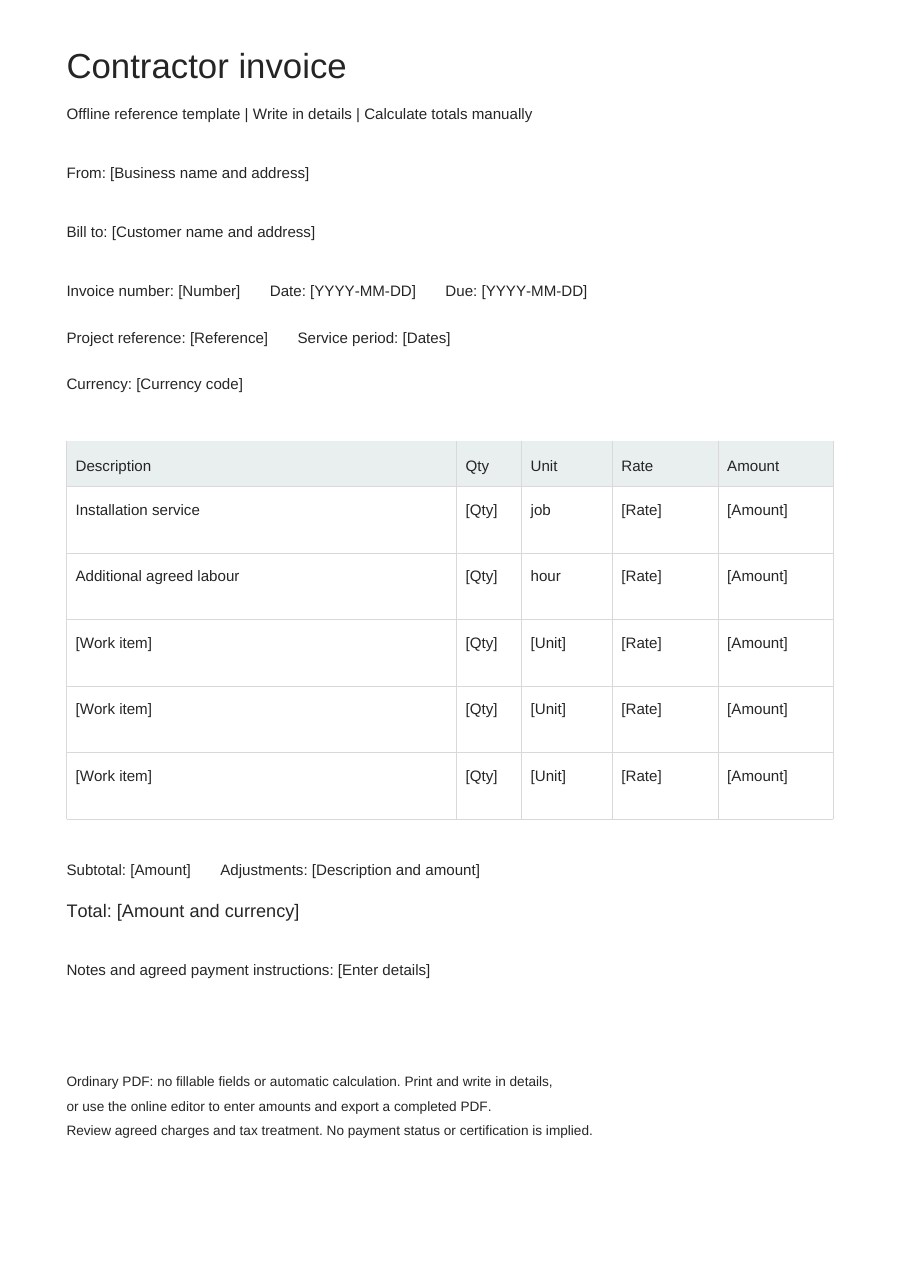
Blank business details, editable work items and no example prices. One offline layout, separate from the online Simple, Modern and Branded styles.
PDF is for printing, without fillable fields. Word tables are editable; neither format calculates totals. Excel: eight lines, CAD only. Quantities: 0–10,000, up to three decimals. Rates: 0–10,000, up to two decimals. Each line rounds half up to cents. No tax, discounts, shipping, deposits or payment balance calculations. Review inputs and totals.
Choose “Use this template” to edit online and export a completed PDF. Offline downloads leave your browser draft untouched.
A practical example
Fictional example. Replace the details and rates before use. CAD rates are illustrations, not price recommendations.
| Description | Quantity | Unit | Rate (CAD) |
|---|---|---|---|
| Installation service — fictional project | 1 | job | 650 |
| Additional agreed labour | 2 | hour | 70 |
What to fill in
- Include the client project or purchase order reference.
- State exactly what the job fee covers; do not imply payroll or worker classification advice.
Describe the result covered by the job fee
A general contractor invoice works best when a fixed job names the installation, repair or other completed scope. Include the proposal or purchase order reference so the customer can match the charge to the agreed job without reading a second full specification.
Keep variations visible
When the customer agrees to work beyond the original job, describe the added task and its change reference. Distinguish it from work included in the original fee. Use a dated hour row only when that additional scope is actually billed by time.
Contractor invoice questions
Which template fits a bill sent to another contractor?
The subcontractor template is designed around billing the main contractor for your defined portion of a project. Use this contractor template for a general agreed job billed directly to your customer.
How do I show additional work?
Add a row describing the agreed change and its reference. The invoice does not record approval of a change order.
Does this handle construction holdbacks?
No. Contract holdbacks and certified progress applications require a separate calculation and review.