Photography Invoice Template — PDF, Word & Excel
Separate photography sessions, editing and agreed deliverables.
Your current input stays until you confirm a replacement.
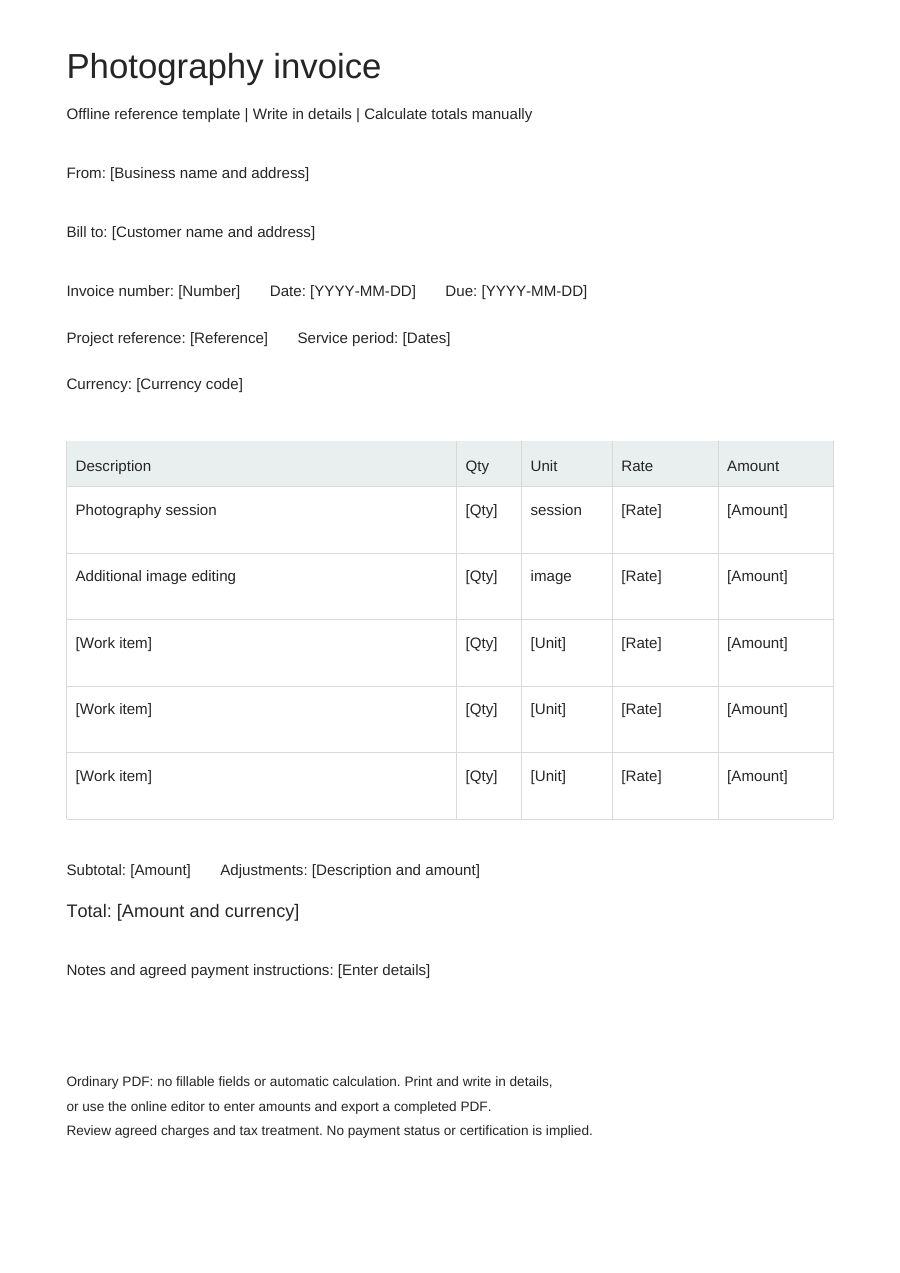
Download an offline template
Blank business details, editable work items and no example prices. One offline layout, separate from the online Simple, Modern and Branded styles.
PDF is for printing, without fillable fields. Word tables are editable; neither format calculates totals. Excel: eight lines, CAD only. Quantities: 0–10,000, up to three decimals. Rates: 0–10,000, up to two decimals. Each line rounds half up to cents. No tax, discounts, shipping, deposits or payment balance calculations. Review inputs and totals.
Choose “Use this template” to edit online and export a completed PDF. Offline downloads leave your browser draft untouched.
A practical example
Fictional example. Replace the details and rates before use. CAD rates are illustrations, not price recommendations.
| Description | Quantity | Unit | Rate (CAD) |
|---|---|---|---|
| Photography session - fictional example | 1 | session | 0 |
| Additional image editing - fictional example | 1 | image | 0 |
What to fill in
- Describe the session date and agreed image delivery scope.
- Put agreed usage terms in notes; releases and licensing agreements remain separate.
Describe the shoot and the image delivery
Connect the session to its date and assignment, then identify the number and type of finished images covered. Shooting time, selection and retouching may be one package or separately priced; the invoice should follow that agreed split.
Keep additional output distinct from included edits
A request for more finished images is different from correcting an image already included in the package. Describe extra selections, new retouching requests or agreed additional coverage by their actual scope. Refer to the agreed usage terms without assuming that a paid session means every possible use is included.
Photography invoice questions
How do I show extra edited images?
Add a row with the image count and agreed rate, distinct from images already included in the session.
Where should usage terms go?
Use customer-visible notes to summarize agreed use; this does not create a model release or licence contract.
How do I invoice an agreed extension to event coverage?
Identify the event and extra coverage period on a separate row. Use the agreed extra hours or fixed extension fee without adding the original session package again.