Video Editing Invoice Template — PDF, Word & Excel
Itemize video edits, caption work and agreed revision rounds.
Your current input stays until you confirm a replacement.
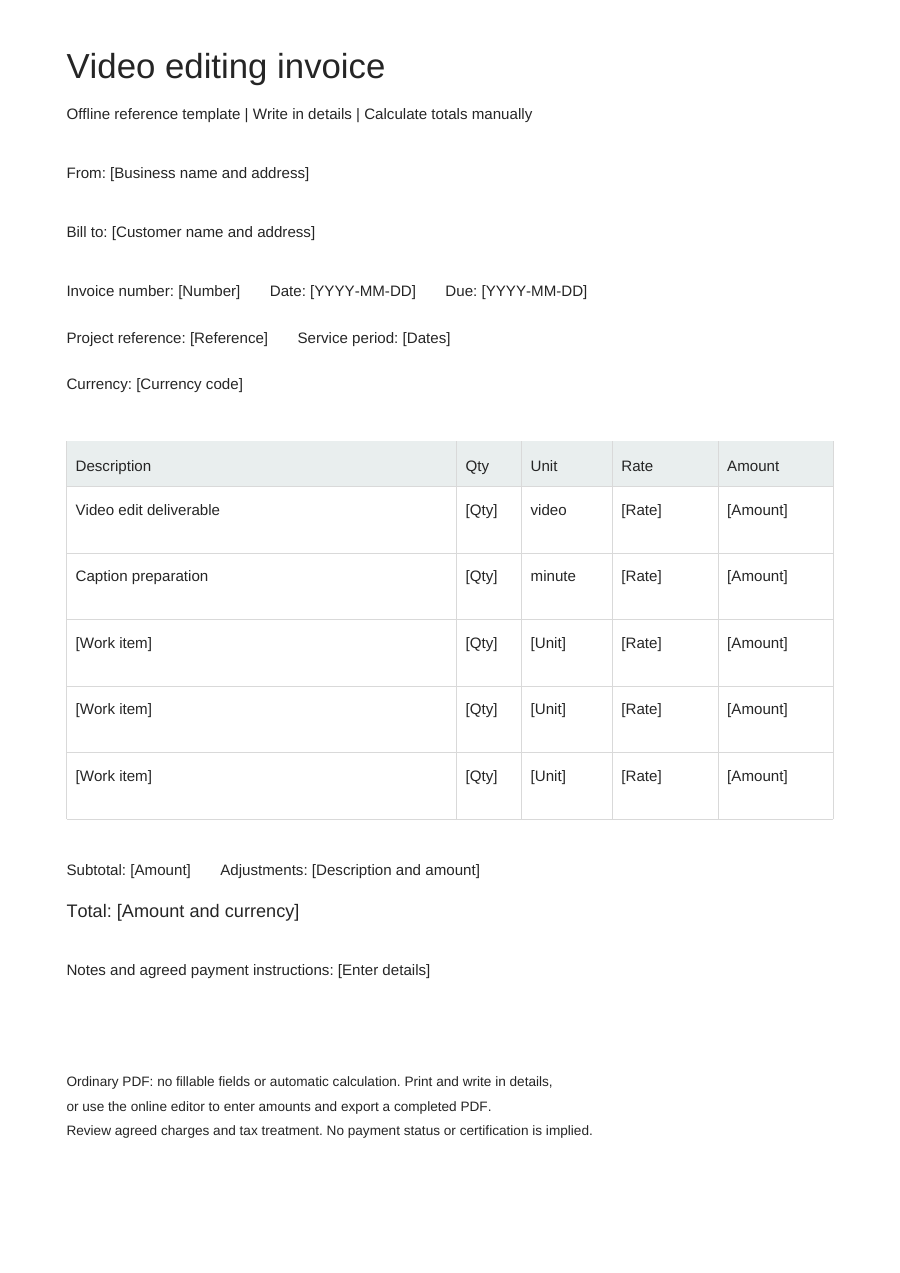
Download an offline template
Blank business details, editable work items and no example prices. One offline layout, separate from the online Simple, Modern and Branded styles.
PDF is for printing, without fillable fields. Word tables are editable; neither format calculates totals. Excel: eight lines, CAD only. Quantities: 0–10,000, up to three decimals. Rates: 0–10,000, up to two decimals. Each line rounds half up to cents. No tax, discounts, shipping, deposits or payment balance calculations. Review inputs and totals.
Choose “Use this template” to edit online and export a completed PDF. Offline downloads leave your browser draft untouched.
A practical example
Fictional example. Replace the details and rates before use. CAD rates are illustrations, not price recommendations.
| Description | Quantity | Unit | Rate (CAD) |
|---|---|---|---|
| Video edit deliverable - fictional example | 1 | video | 0 |
| Caption preparation - fictional example | 1 | minute | 0 |
What to fill in
- Identify the deliverable and final duration or agreed billing unit.
- Describe included revisions and separately agreed music or stock costs.
Specify the version delivered
Identify the edit by project, version and intended output. A main film, a short cut and a vertical adaptation are distinct deliverables when separately agreed. Note whether caption files or captions embedded in the picture are included, so delivery is more specific than “edited video.”
Choose the correct meaning of a minute
A finished-minute fee uses the duration of the delivered edit; an hourly editing fee uses time worked. Keep those quantities distinct. Describe extra revisions or additional exports only when they sit outside the agreed deliverable package.
Video editing invoice questions
How do I enter a duration that includes seconds?
Convert it to the agreed decimal-minute quantity before entering it. The quantity field does not interpret a timecode such as 01:30; confirm the agreed rounding basis.
Where should extra revisions go?
Use a separate round or hour row only for agreed work beyond the included revision scope.
Does this clear music rights?
No. Describe separately agreed asset charges, but arrange rights and licences outside the invoice.