Snow Removal Invoice Template — PDF, Word & Excel
Bill for dated snow clearing visits and agreed de-icing services.
Your current input stays until you confirm a replacement.
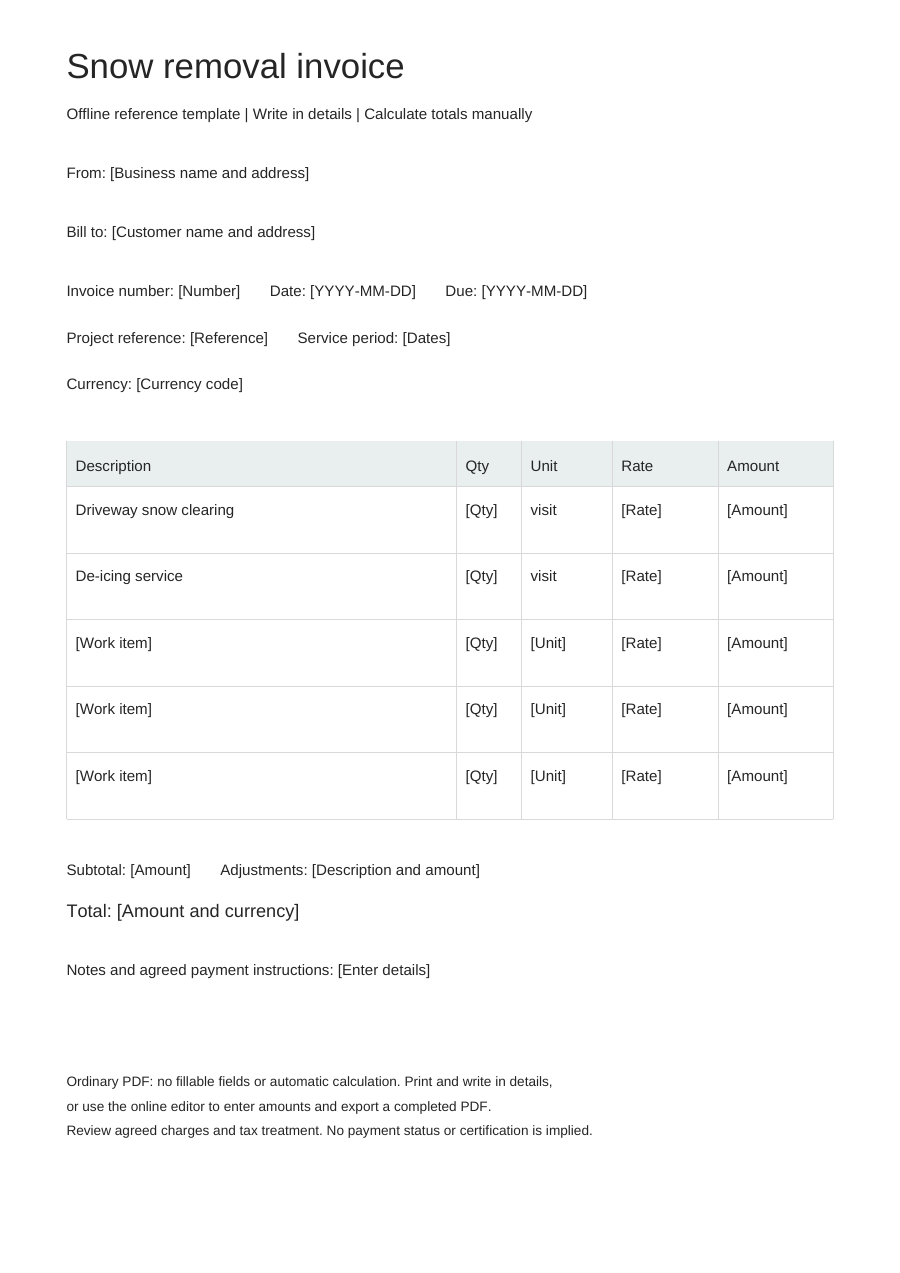
Download an offline template
Blank business details, editable work items and no example prices. One offline layout, separate from the online Simple, Modern and Branded styles.
PDF is for printing, without fillable fields. Word tables are editable; neither format calculates totals. Excel: eight lines, CAD only. Quantities: 0–10,000, up to three decimals. Rates: 0–10,000, up to two decimals. Each line rounds half up to cents. No tax, discounts, shipping, deposits or payment balance calculations. Review inputs and totals.
Choose “Use this template” to edit online and export a completed PDF. Offline downloads leave your browser draft untouched.
A practical example
Fictional example. Replace the details and rates before use. CAD rates are illustrations, not price recommendations.
| Description | Quantity | Unit | Rate (CAD) |
|---|---|---|---|
| Driveway snow clearing - fictional example | 1 | visit | 0 |
| De-icing service - fictional example | 1 | visit | 0 |
What to fill in
- Identify the cleared area and each service date.
- Explain whether de-icing and hauling are included or separately agreed.
Distinguish an event from a service visit
A storm may involve more than one visit. If your agreement charges per visit, identify the date and, where useful, the service time. If it charges per event, describe the event covered instead of treating every pass as another billable event.
Identify the areas cleared and treated
A driveway, walkway and parking area may have different scopes. State which were cleared, and identify separately agreed de-icing or hauling. For a fixed seasonal fee, name the billed period and included scope; do not also charge each included visit.
Snow removal invoice questions
How do I describe a return during the same storm?
Identify the return date or time. Whether it adds a charge depends on the agreed per-visit, per-event or seasonal scope, not simply on making another pass.
Can I add salt application?
Yes. Add an agreed de-icing row or describe it as included; the tool does not calculate application quantities.
Does this automate a seasonal contract?
No. Enter the agreed charges manually for each invoice; there is no recurring billing schedule.