Tutoring Invoice Template — PDF, Word & Excel
Bill for dated tutoring sessions and agreed learning materials.
Your current input stays until you confirm a replacement.
Download an offline template
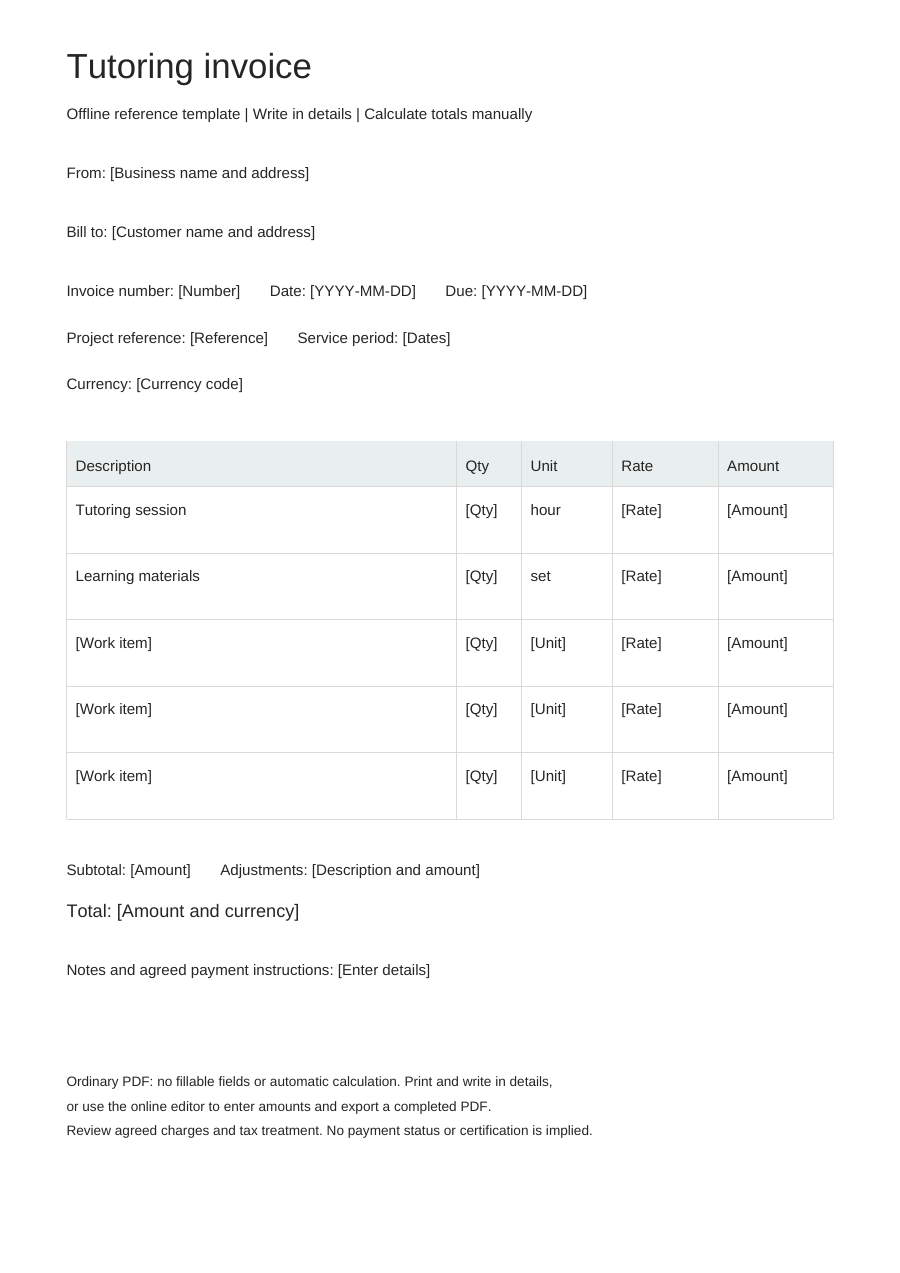
Blank business details, editable work items and no example prices. One offline layout, separate from the online Simple, Modern and Branded styles.
PDF is for printing, without fillable fields. Word tables are editable; neither format calculates totals. Excel: eight lines, CAD only. Quantities: 0–10,000, up to three decimals. Rates: 0–10,000, up to two decimals. Each line rounds half up to cents. No tax, discounts, shipping, deposits or payment balance calculations. Review inputs and totals.
Choose “Use this template” to edit online and export a completed PDF. Offline downloads leave your browser draft untouched.
A practical example
Fictional example. Replace the details and rates before use. CAD rates are illustrations, not price recommendations.
| Description | Quantity | Unit | Rate (CAD) |
|---|---|---|---|
| Tutoring session - fictional example | 1 | hour | 0 |
| Learning materials - fictional example | 1 | set | 0 |
What to fill in
- Identify session dates and the subject without unnecessary student details.
- Enter only agreed charges; scheduling, attendance and recurring billing are separate.
Make the lesson unit unambiguous
Describe the subject and session date without adding learning assessments or unnecessary student details. If charging per session, state its agreed duration. If charging by the hour, enter the billed duration in hours rather than putting a minute count against an hourly rate.
Keep a block of lessons distinct from attendance
A fee for an agreed lesson block is different from a bill for lessons already delivered. Say which the current invoice covers and identify the relevant period. List separately purchased materials only where they are outside the lesson fee.
Tutoring invoice questions
What quantity should I use for a 45-minute lesson?
For an hourly rate, enter 0.75 hours. For an agreed session fee, enter one session and describe its 45-minute duration. Do not put 45 against an hourly rate.
How do I show a cancelled lesson fee?
Use a clearly labelled row only when the charge follows your agreement; the tool does not apply cancellation policies.
Does this store lesson progress?
No. Keep attendance, student records and progress notes in your own appropriate system.